Searching your network
Find the right person by describing them in plain English, with ranked matches and a reason for each.
Search your network in plain English rather than by keyword — queries like "VCs based in Seattle", "fintech founders I have emailed this year" or "engineers who left Google for startups" all work. Results are ranked, and each match comes with a short reason, the traits that matched, and the contact's sources. Recent searches are saved, and you can select several results to start introductions.
Describe who you're looking for
NetworkOS search is built for plain English. Instead of remembering names or filtering by tags, describe the person you want to find and NetworkOS searches across everyone's role, company, location, and background at once.
Some examples that work well:
- “Venture capital folks based in Seattle”
- “Fintech founders I've emailed in the last year”
- “Engineers who left Google for startups”
- “People who could intro me to a healthcare buyer”
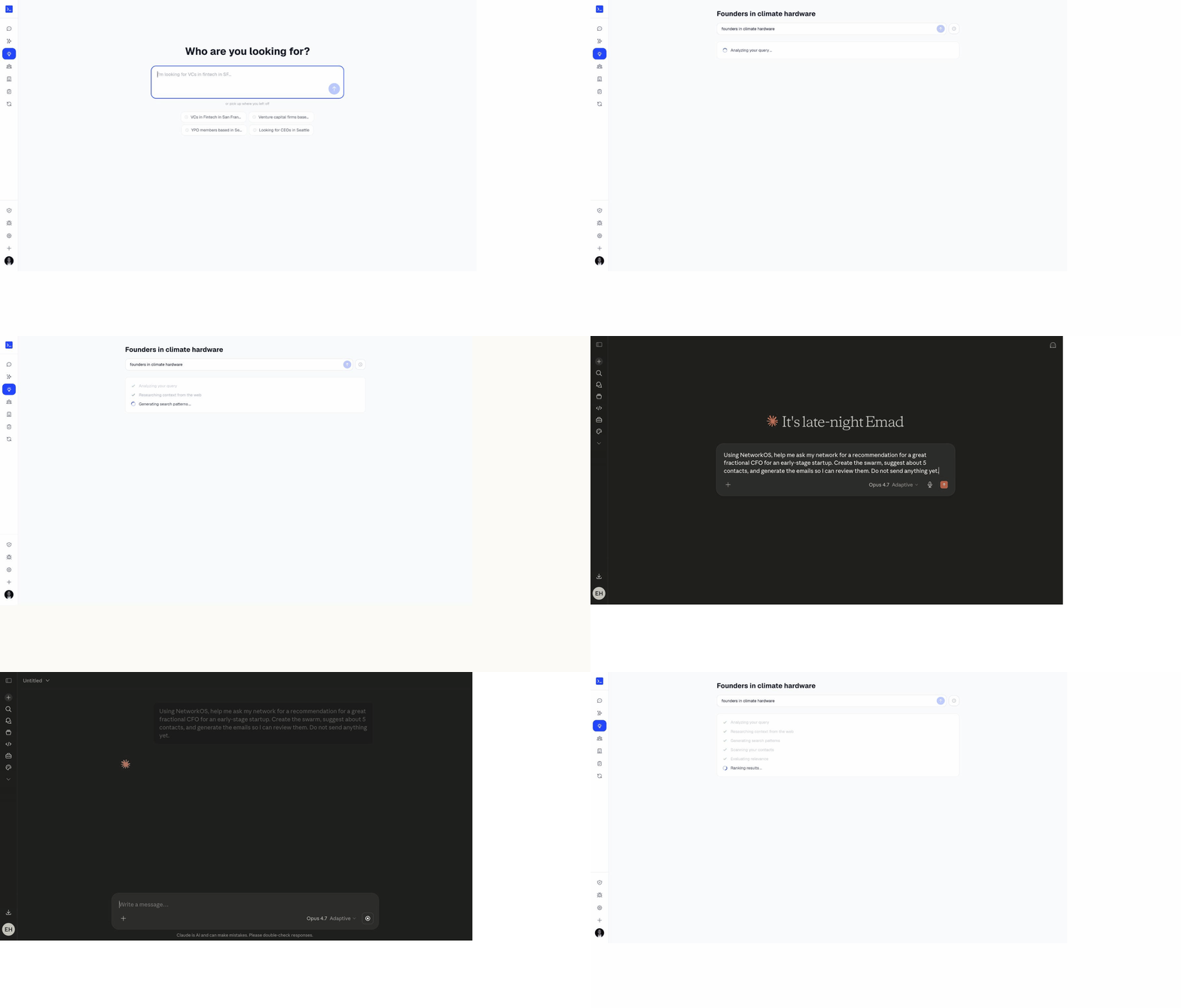
How the results are ranked
Each result is scored for how well it matches what you asked, and every card shows a short reason it surfaced — the company, the role, or the connection that made it relevant — along with which traits matched and where the contact came from (Gmail, Calendar, LinkedIn). That way you can tell at a glance whether a match is the right one, not just that it contains a keyword. Your recent searches are saved so you can re-run them with one click.
The chat assistant
Alongside search, NetworkOS has a chat assistant that can take actions, not just return lists. Ask it to find people, pull up a contact, add a note or tag, or start an introduction, and it carries out the request against your network. See The chat assistant for what it can do — it's available through the connector in Claude and the Chrome extension.
From a result to an introduction
Search is usually the first step toward an intro. Once you've found the right person, you can start a draft straight from their card — head to Making introductions for the full flow.
Common questions
- What kind of search queries does NetworkOS understand?
- Natural-language questions across role, company, location and background. "VCs based in Seattle", "fintech founders I have emailed this year" and "engineers who left Google for startups" are all valid queries. You do not need keyword syntax, filters or boolean operators.
- Why does each search result show a reason?
- So you can judge the match rather than trust it blindly. Every result carries a short explanation of why it matched, which traits matched, and which sources the contact came from, which matters when you are about to put your name behind an introduction.
- Can I start an introduction from search results?
- Yes. Select one or more results and start introductions directly from there, which is the fastest path from "who do I know who..." to a drafted intro. Recent searches are saved so you can return to a list you built earlier.